What is Google Classroom?
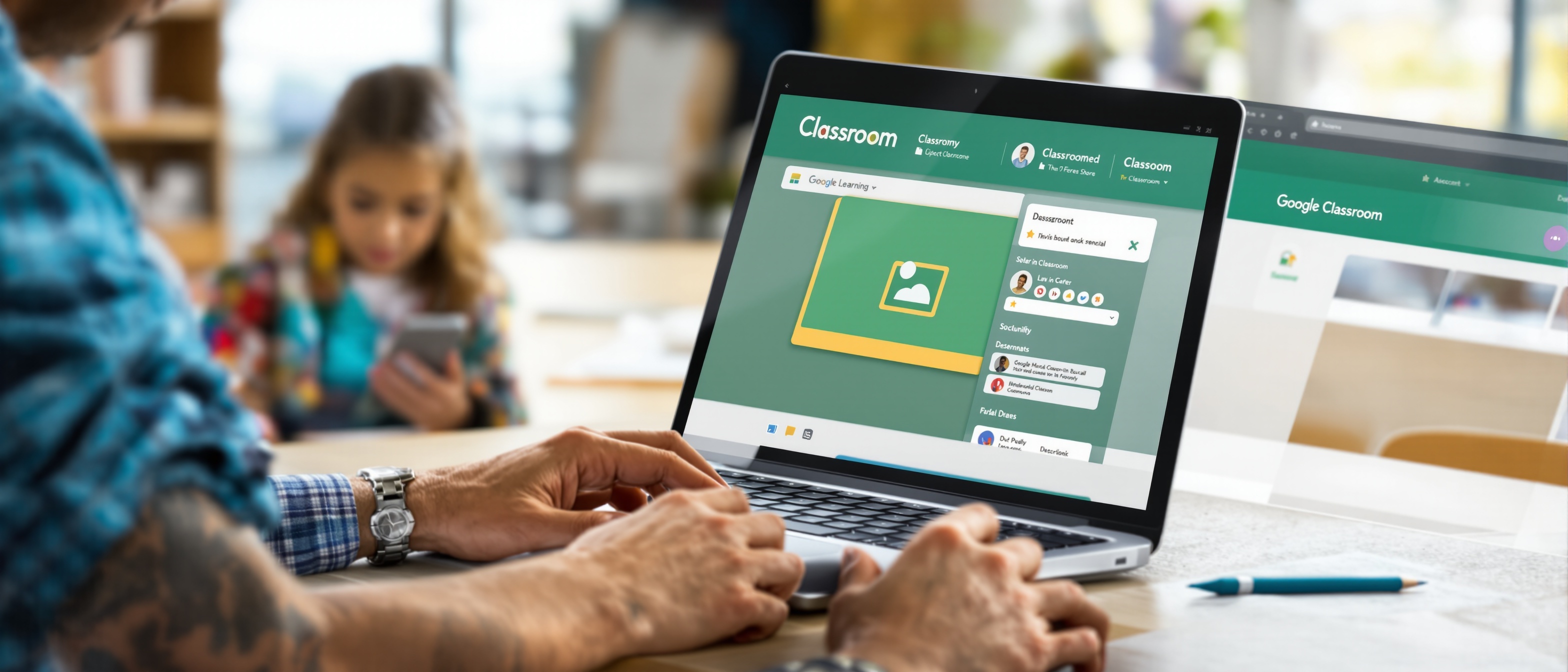
Google Classroom is a free Learning Management System (LMS) included in Google Workspace for Education. It connects teachers and students in one organized digital space — creating and distributing assignments, collecting and grading student work, communicating with families, and tracking progress all happen without leaving the platform.
Stream Tab
Announcements, discussions, and class updates visible to everyone.
Classwork Tab
Assignments, quizzes, questions, and reference materials organized by topic.
People Tab
Student roster, co-teachers, and guardian email invitation management.
Grades Tab
Full gradebook grid with grade entry, rubric scoring, and CSV export.
The 4 Main Navigation Tabs
Stream
Classwork
People
Grades
6 Things Every Teacher Should Know
Reuse Posts Across Years
At the start of each school year, import your full Classwork from the previous year's class. Update due dates and you're set — no recreating from scratch.
Schedule All Week on Sunday
Use the "Scheduled" post option to set up your entire week's assignments on Sunday. They go live at exactly the time and day you set.
Target Specific Students
Any assignment can be assigned to a subset of students — critical for differentiated materials, IEP accommodations, and make-up work.
Build Rubrics In Classroom
Create rubrics directly in Classroom when building assignments — they attach to the grading interface and auto-calculate scores as you click.
Run Originality Reports
Enable plagiarism detection on any Google Doc assignment. Students see flagged passages before submitting, teachers see the full report during grading.
Invite Guardians Proactively
Set up guardian email summaries on Day 1. Parents automatically receive weekly or daily updates about upcoming work, missing assignments, and class activity.
Ready to Master Google Classroom?
Explore the complete Feature Reference, detailed teacher workflows, and advanced tools like Originality Reports, Meet integration, and per-student differentiation.